
free
12 Free internet phone services You Should Know

Making phone calls over the internet is a practical way to reduce or even eliminate your monthly phone bill. For individuals with family abroad, freelancers with international clients, or small businesses looking to establish a local presence in a new market, free internet phone services offer a powerful communication solution without the high costs associated with traditional carriers. These services, often called VoIP (Voice over Internet Protocol) apps, use your existing Wi-Fi or mobile data connection to place calls, send texts, and more.
This guide is designed to help you navigate the crowded field of free calling apps and platforms. We've compiled a comprehensive list of the best options available, moving beyond simple descriptions to provide a detailed analysis of what each service truly offers. Our goal is to give you a clear, practical understanding of each platform so you can confidently choose the right one for your specific needs, whether for personal or professional use.
Inside this resource, you will find a curated roundup of top-tier services like Google Voice, TextNow, and WhatsApp. For each entry, we break down the most important details:
We provide screenshots for a visual reference and direct links to each platform, making it easy for you to get started immediately. Let's find the best free internet phone service for you.
As one of the most established free internet phone services, Google Voice offers a comprehensive solution for U.S. residents seeking a secondary, no-cost phone number. It provides a dedicated U.S. number that works seamlessly through a web browser or a mobile app, allowing you to make and receive calls and texts over Wi-Fi or cellular data. This makes it an ideal choice for freelancers separating work from personal life or for anyone needing a backup line without a monthly fee.
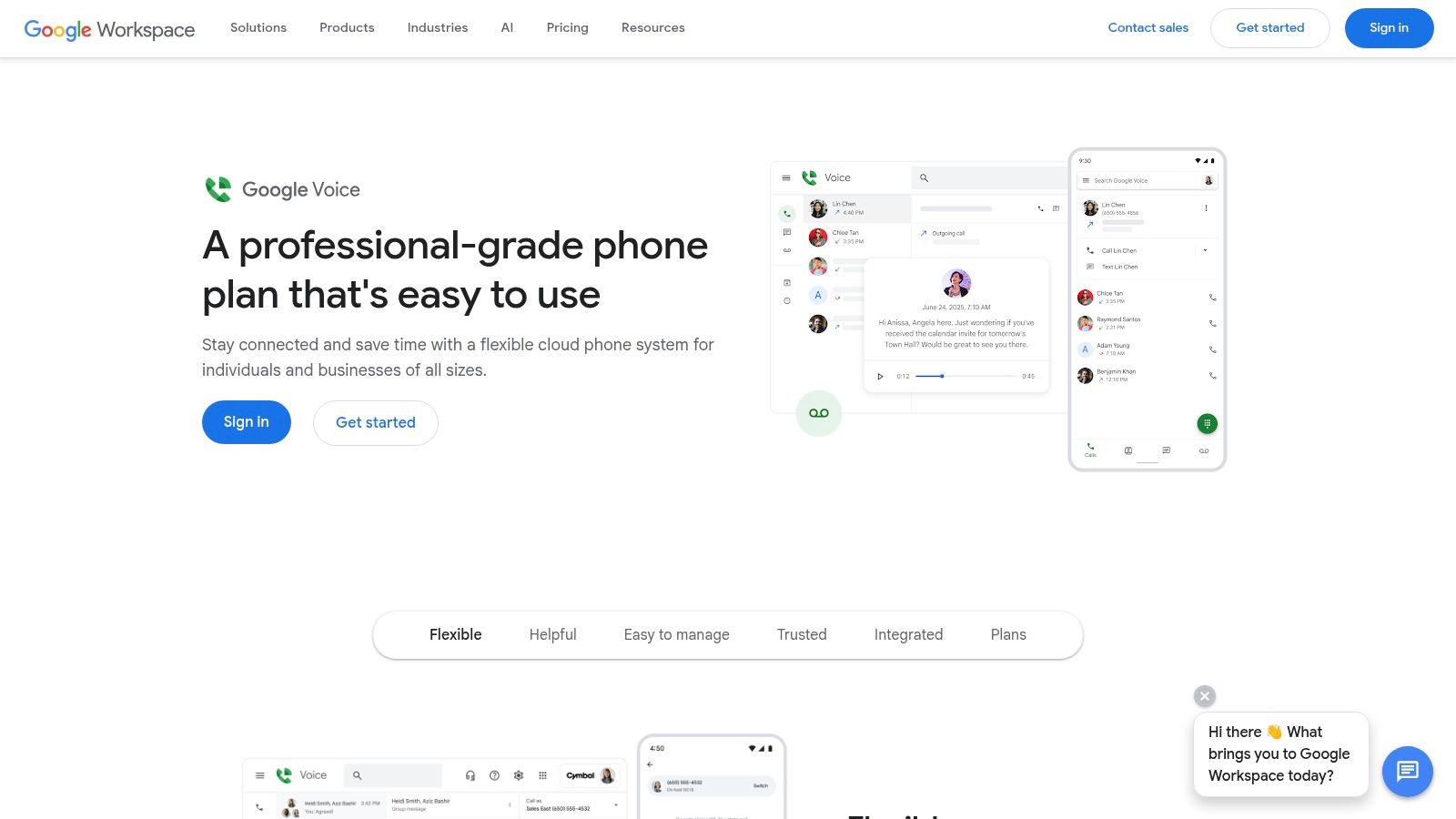
The platform’s strength lies in its tight integration with the Google ecosystem and its robust feature set for personal use. Voicemail transcriptions are sent directly to your email, and its spam filtering is highly effective. Call forwarding lets you route incoming calls to any linked number, ensuring you never miss an important conversation.
| Feature | Details |
|---|---|
| Pricing | Free for personal use in the U.S. |
| Calling | Free calls to most U.S. and Canada numbers. |
| International | Per-minute rates apply for international calls. |
| Business Use | Advanced features require a paid Google Workspace plan. |
Setting up Google Voice is straightforward: you need a personal Google account and an existing U.S. phone number to verify your identity. Its reliability makes it a go-to for domestic communications. However, while outbound international calls are billed per minute, the rates are competitive, making it a viable option for occasional overseas calls. For more frequent international communication needs, you might want to compare it with other top international calling apps.
Pros:
Cons:
TextNow distinguishes itself among free internet phone services by offering a truly free, ad-supported phone number for calling and texting over Wi-Fi. It goes a step further than web-only solutions by providing an optional one-time purchase of a SIM card. This enables free essential mobile data for talk and text in the U.S., effectively turning your device into a standalone phone without a monthly bill. This unique model makes it a powerful option for users needing a reliable backup line or a primary number with minimal costs.
The service operates through a user-friendly mobile app, where ads subsidize the free talk and text features. While the free service is Wi-Fi-based, the SIM card option provides basic connectivity for calls and texts when you're away from a hotspot. This hybrid approach offers flexibility that is rare in the free calling space, catering to both Wi-Fi-only users and those who need occasional on-the-go access without committing to a traditional mobile plan.
| Feature | Details |
|---|---|
| Pricing | Free ad-supported calling and texting over Wi-Fi. |
| Calling | Free unlimited calls to the U.S. and Canada. |
| Mobile Service | A one-time SIM purchase unlocks free essential mobile data for talk and text. |
| Data Passes | Additional mobile data requires purchasing hourly, daily, or monthly passes. |
Setting up TextNow is simple: download the app and choose a free phone number. For mobile service, you order the SIM card directly from their website. The app’s interface is straightforward, although the presence of ads can be distracting for some users. TextNow is an excellent choice for a secondary number, a dedicated line for online listings, or as a primary service for users who are almost always connected to Wi-Fi. The ability to add data passes on demand makes it a versatile tool for managing communication expenses.
Pros:
Cons:
As a long-standing player in the free internet phone services space, TextFree provides users with a free U.S. phone number for unlimited calling and texting over Wi-Fi. It’s primarily a mobile-first solution, operating through a straightforward app on iOS and Android. This makes it a great choice for individuals who need a separate line for personal projects, online listings, or simply want to keep their primary number private without being tied to a web browser.
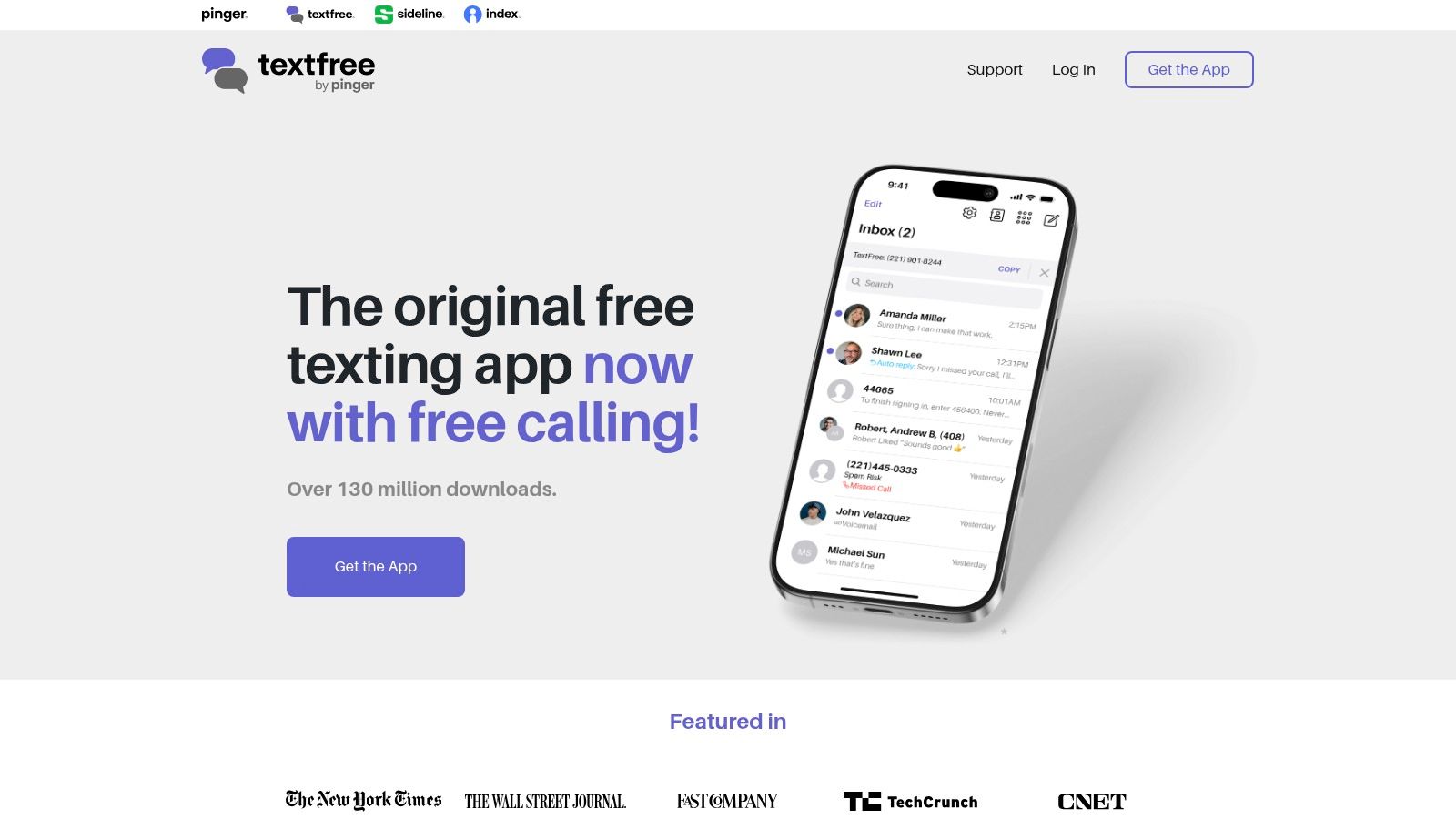
The platform’s core strength is its simplicity and mobile-centric design, offering a quick and easy setup process. Key features like voicemail and voicemail transcription are included for free, covering all the basic communication needs. While the free version is supported by ads, TextFree offers an optional subscription to remove them and unlock additional capabilities.
| Feature | Details |
|---|---|
| Pricing | Free with ads. Optional Plus subscription available. |
| Calling | Free unlimited calls to any U.S. and Canada number via the app. |
| Platform | Primarily app-based (iOS/Android); web functionality is limited. |
| Verification Codes | Receiving verification codes requires a paid Plus subscription. |
Setting up TextFree involves downloading the app and selecting a phone number from a list of available options. It’s an excellent tool for those who primarily communicate via their smartphone and need a reliable, no-cost secondary number for domestic calls and texts. However, its major limitation is the lack of web-based calling, and new users may find web texting restricted. While the app is free, essential features like receiving verification codes for other services are locked behind the TextFree Plus subscription.
Pros:
Cons:
Talkatone stands out as one of the most accessible free internet phone services for anyone needing a U.S. phone number quickly and without cost. It provides a free U.S. number that enables unlimited calling and texting to most U.S. and Canadian numbers using a Wi-Fi or mobile data connection. The service is delivered through a mobile app available for both iOS and Android, making it a great option for a secondary line on your smartphone or tablet.
The app's simplicity is its core strength, offering a no-frills communication tool supported by ads in its free version. A particularly useful feature is its travel-friendly Wi-Fi calling, which allows you to call and text U.S. and Canadian numbers from anywhere in the world without incurring roaming charges, as long as you have a Wi-Fi connection.
| Feature | Details |
|---|---|
| Pricing | Free with ads. Paid ad-free version and credits are available. |
| Calling | Free calls and texts to most U.S. and Canada numbers. |
| International | Talkatone-to-Talkatone calls are free worldwide. |
| Device Support | Works on iOS and Android smartphones and tablets. |
Getting started with Talkatone is as simple as downloading the app and registering to choose your free U.S. number. It's a practical choice for international travelers who need to stay in touch with contacts back home, or for individuals who want a separate number for online listings or temporary projects. While the free tier contains ads, they are generally unobtrusive, and users can opt for a premium, ad-free experience for a small fee.
Pros:
Cons:
FreedomPop uniquely combines cellular service with free internet phone services through its freemium model. It provides users with a physical SIM card, offering a traditional mobile number that operates primarily over Wi-Fi for calling and texting. This approach makes it a compelling option for those needing a backup phone line or a dedicated number for extremely light use, without being tethered solely to an app.
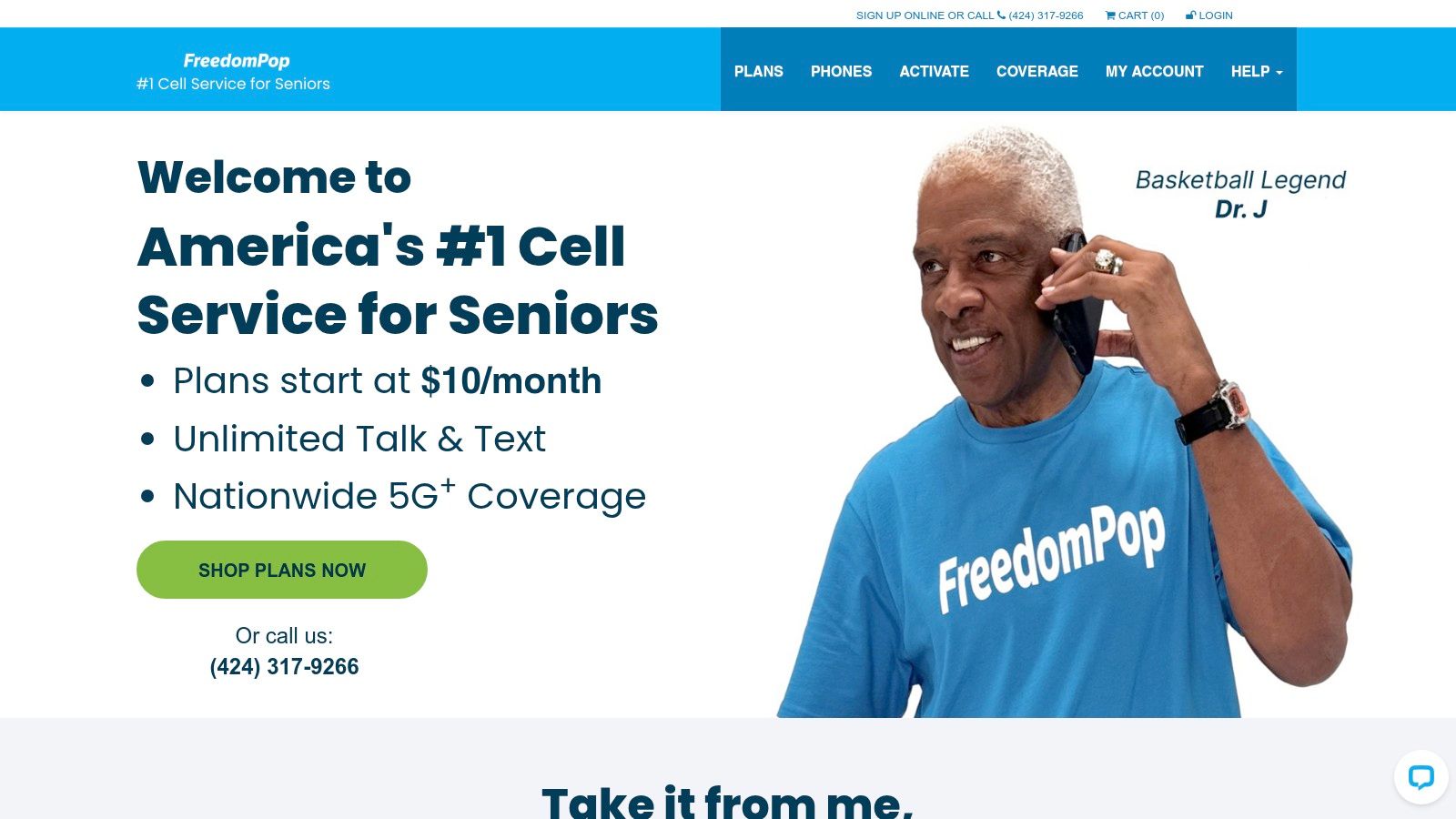
The service’s main draw is its no-cost entry point, which grants unlimited calling over Wi-Fi alongside a very modest cellular allowance. This hybrid functionality ensures you have a basic level of connectivity even when you're away from a Wi-Fi network. While the free cellular data is minimal, it’s sufficient for emergencies or brief communications on the go.
| Feature | Details |
|---|---|
| Pricing | Free plan with limited cellular service. |
| Calling | Unlimited Wi-Fi calling and texting included. |
| Cellular Data | Tiny cellular allowance (e.g., 10 min, 10 texts, 25MB LTE). |
| Upgrades | Paid plans and data top-ups are available for more usage. |
To get started with FreedomPop, you must order their SIM card and have a compatible unlocked device. It’s an excellent solution for a secondary phone, a child’s first line, or for a device you keep in a glove box for emergencies. The strict limitations on the free plan mean users must carefully monitor their cellular usage to avoid overage charges or the need to upgrade. For consistent business use, a more robust solution would be necessary.
Pros:
Cons:
As one of the world's most popular messaging apps, WhatsApp has become a go-to for free internet phone services, especially for international communication. It allows users to make free, high-quality voice and video calls to any other WhatsApp user globally, using a Wi-Fi or mobile data connection. This app-to-app calling model makes it an indispensable tool for staying in touch with friends and family abroad without incurring steep international calling charges.
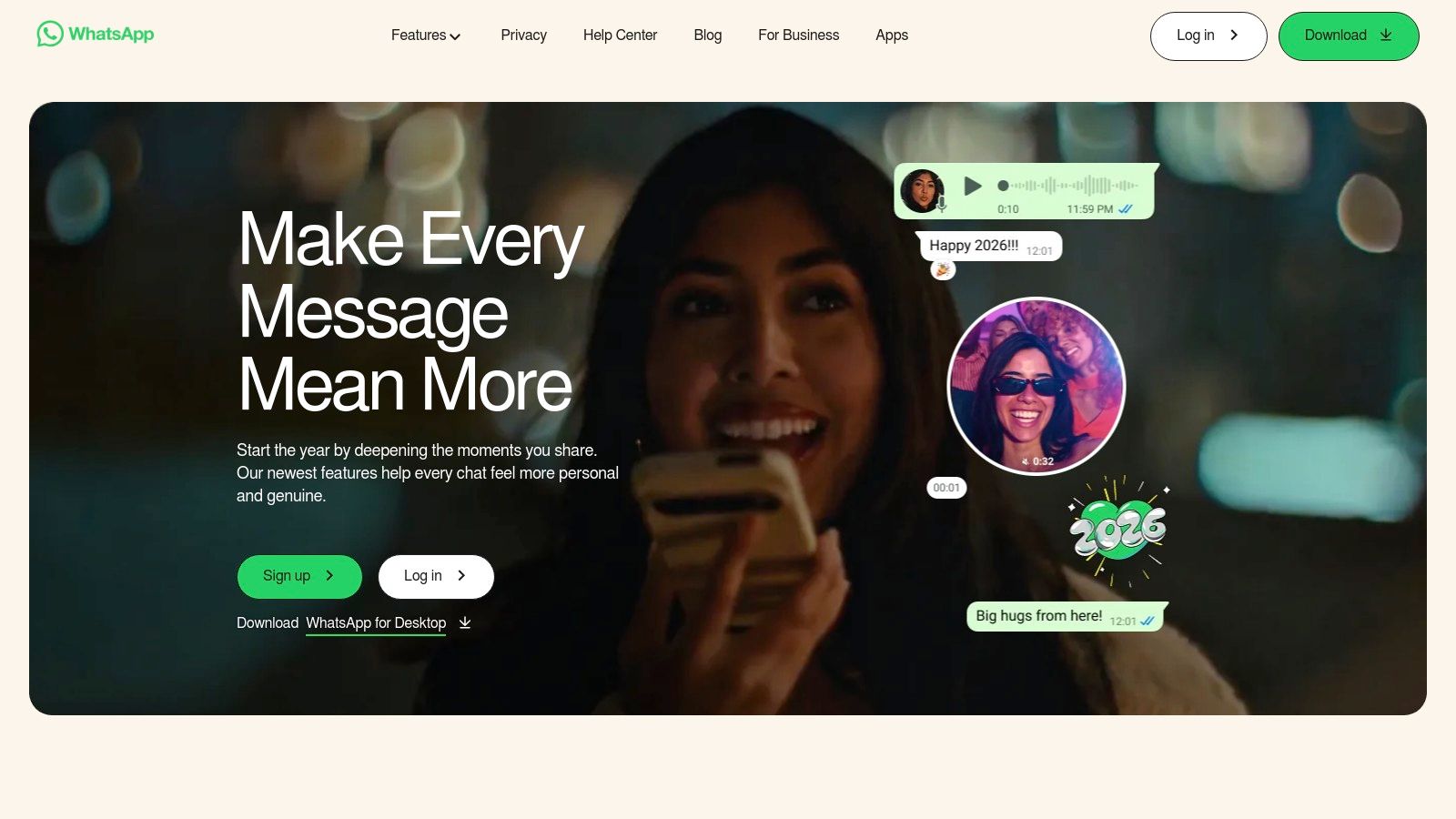
The platform's primary strength is its massive user base and its commitment to security through end-to-end encryption for all communications. Available on both mobile and desktop, it syncs seamlessly, allowing you to start a call on one device and continue the conversation on another. Its simplicity and reliability for one-on-one and group calls have cemented its place as a leading communication tool.
| Feature | Details |
|---|---|
| Pricing | Free for app-to-app calls and messages. |
| Calling | Free voice and video calls to any WhatsApp user worldwide. |
| PSTN Calls | Cannot call traditional landline or mobile numbers. |
| Security | End-to-end encryption is enabled by default for all calls. |
Setting up WhatsApp is as simple as downloading the app and verifying your mobile phone number. Since it uses your existing contacts, you can immediately see who is available to call. While it's perfect for personal chats, it is not a replacement for a traditional phone service, as it cannot connect to non-users or emergency services. For businesses needing to reach traditional phone numbers, learning how to make international calls with a dedicated VoIP service is a better alternative.
Pros:
Cons:
Viber has carved out a strong niche among free internet phone services, especially for users with extensive international contacts. Its core offering is free, high-quality voice and video calls between Viber users, secured with end-to-end encryption for one-on-one conversations. The service operates seamlessly across mobile and desktop apps, syncing chats and call history to ensure you never miss a beat, no matter which device you are using.
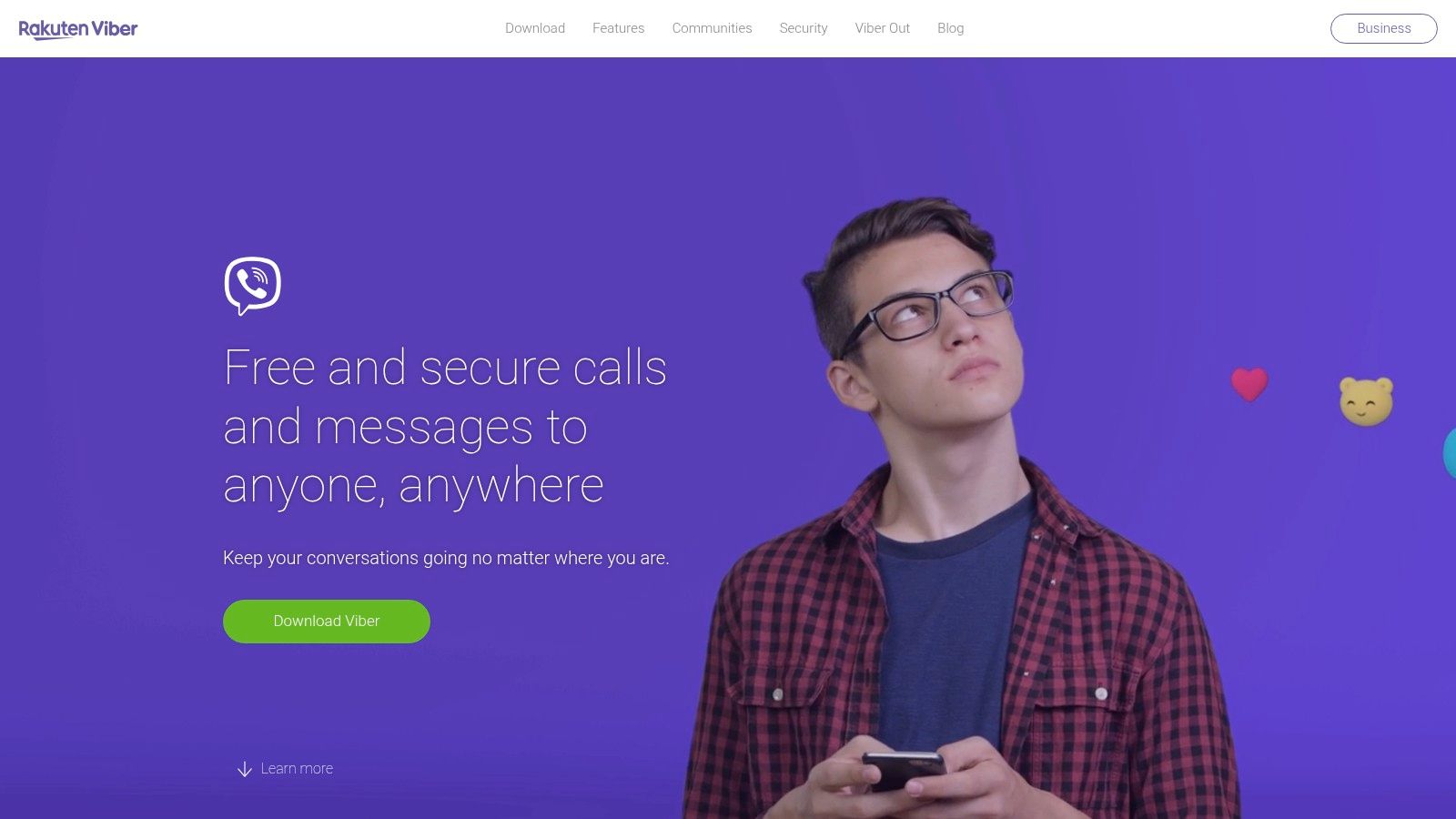
The platform stands out due to its wide global adoption, making it a go-to for connecting with friends and family abroad without incurring steep international calling charges. Beyond personal calls, it supports large group chats and public "Communities," offering a social dimension that many other VoIP services lack. While app-to-app communication is entirely free, calling regular landlines and mobile numbers requires its paid service, Viber Out.
| Feature | Details |
|---|---|
| Pricing | Free for all Viber-to-Viber calls and messages. |
| Calling | Free high-definition voice and video calls to any other Viber user. |
| International | Calling non-Viber numbers is a paid feature (Viber Out). |
| Security | End-to-end encryption is standard for 1:1 calls and chats. |
Getting started with Viber is as simple as downloading the app and verifying your phone number. Its primary value is for users whose contacts are also on the platform, making it a perfect tool for cross-border communication with family or international colleagues. For businesses needing to reach customers on traditional phone networks, the Viber Out service offers competitive pay-as-you-go rates and monthly subscriptions, making it a flexible, low-cost option.
Pros:
Cons:
For users who prioritize privacy above all else, Signal stands out among free internet phone services as the gold standard for secure communication. It offers fully end-to-end encrypted voice and video calls, ensuring that only you and the person you are communicating with can hear the conversation. Unlike services that provide a traditional phone number, Signal facilitates calls exclusively between its users through its app, which is available on all major mobile and desktop platforms.
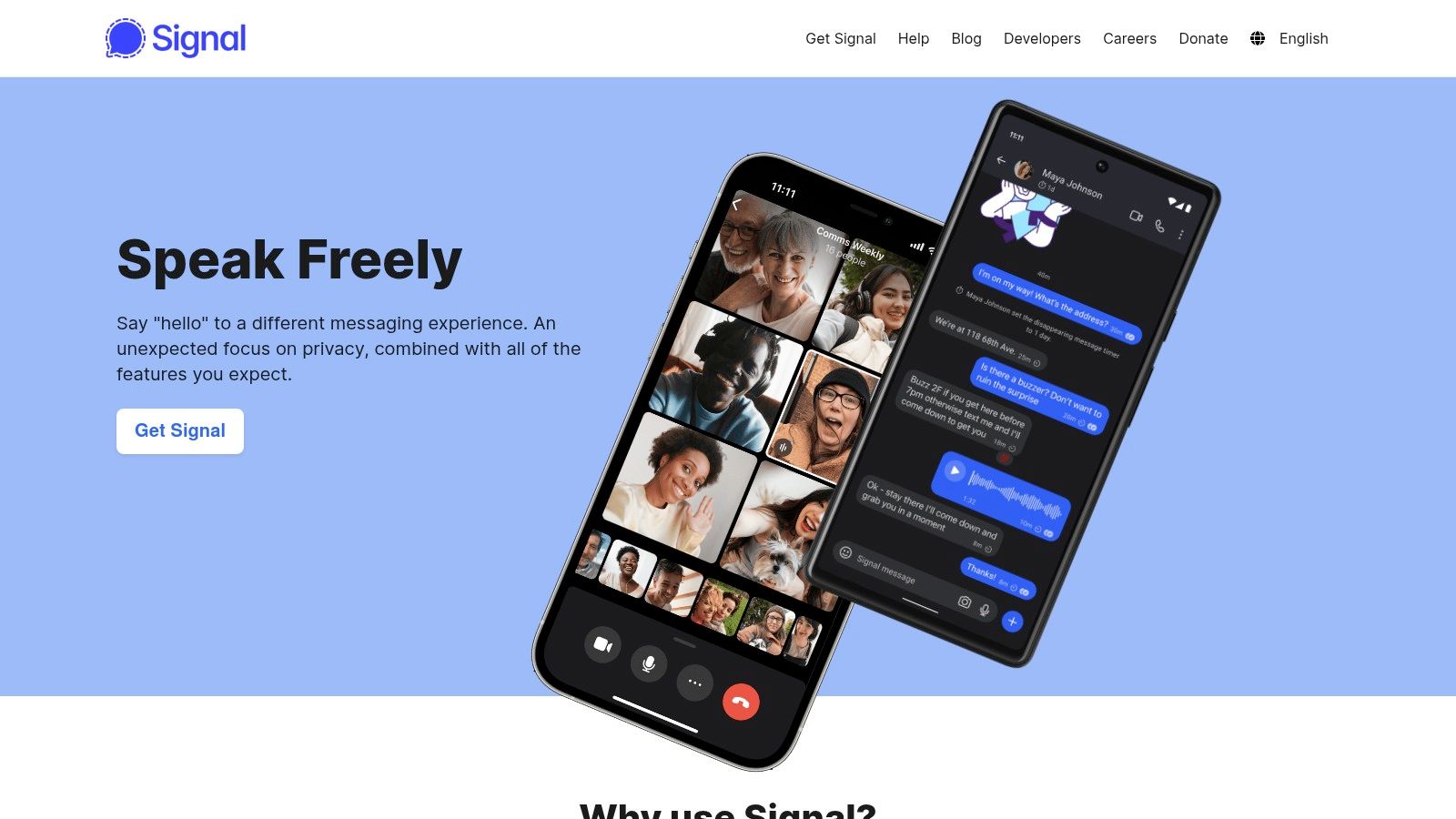
As a nonprofit, open-source project, Signal's operations are funded by donations rather than advertising or data collection. This model reinforces its commitment to user privacy, making it a trusted choice for journalists, activists, and anyone concerned with surveillance. Its interface is clean and straightforward, focusing on core messaging and calling features without unnecessary clutter, providing a seamless and secure user experience.
| Feature | Details |
|---|---|
| Pricing | Completely Free for all core features. |
| Calling | Free, encrypted voice and video calls to other Signal users. |
| PSTN Calling | Does not support calls to traditional phone numbers. |
| Privacy | Open-source with industry-leading end-to-end encryption. |
Getting started with Signal is as simple as downloading the app and verifying your existing phone number, which acts as your identifier. The platform is ideal for one-on-one or group calls where confidentiality is paramount. Because it functions as a closed ecosystem, its primary limitation is that both parties must have the app installed. It is not a replacement for a full phone service but rather a secure tool for communicating with other Signal users, whether they are down the street or across the globe.
Pros:
Cons:
While primarily known as a secure messaging app, Telegram has evolved into a powerful platform for free internet phone services, especially for users who prioritize privacy and cross-device functionality. It offers high-quality, app-to-app voice and video calls that are protected by end-to-end encryption. This makes it an excellent choice for one-on-one conversations where security is a top concern, as both parties can verify the encryption's integrity.
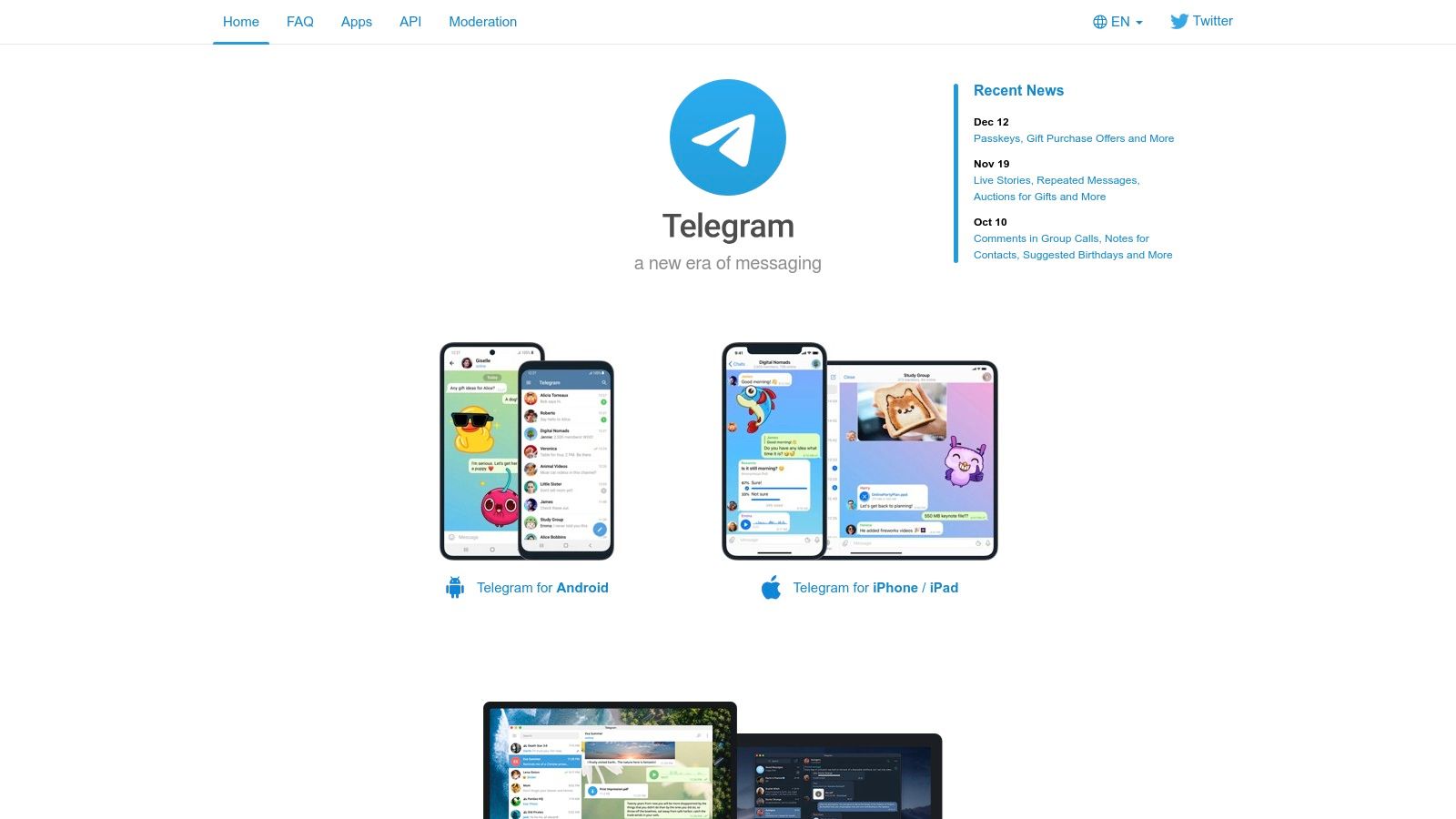
Telegram's standout feature is its seamless synchronization across mobile, desktop, and web clients, allowing you to start a call on one device and continue it on another without interruption. Unlike services that provide a traditional phone number, Telegram’s calling is strictly between its users, making it ideal for connecting with friends, family, or colleagues who are already on the platform.
| Feature | Details |
|---|---|
| Pricing | Free for all voice and video calls. |
| Calling | Free, unlimited app-to-app calls (voice and video). |
| PSTN Calls | Not supported; cannot call regular phone numbers. |
| Security | End-to-end encryption for one-on-one calls. |
Getting started with Telegram is as simple as downloading the app and registering with your phone number. Its main advantage lies in its large, established user base; if your contacts are already using it for messaging, initiating a call is just a tap away. The voice quality is consistently clear over a stable internet connection. However, its app-to-app-only limitation means it cannot replace a traditional phone service for reaching landlines or non-users.
Pros:
Cons:
Leveraging one of the world's largest social networks, Facebook Messenger has evolved into a powerful free internet phone service for its billions of users. It offers seamless, no-cost voice and video calls to any other Messenger user, regardless of their location, using a Wi-Fi or mobile data connection. This makes it a go-to platform for personal conversations, especially for connecting with friends and family who are already on Facebook.
Its strength lies in its accessibility and feature-rich video calling, which includes HD quality, screen sharing, and even AI-powered backgrounds. Group calls are simple to initiate, and the ability to send audio or video messages provides a flexible alternative to live conversation. For businesses with a Facebook Page, it also serves as a direct line for customer communication.
| Feature | Details |
|---|---|
| Pricing | Free for all Messenger-to-Messenger calls. |
| Calling | Free voice and video calls to any Messenger user worldwide. |
| Encryption | Calls are not end-to-end encrypted by default. |
| Data Privacy | Relies on Meta's platform policies for data handling. |
Getting started is as simple as having a Facebook account and downloading the Messenger app or accessing it via a web browser. The platform is ideal for spontaneous video chats and group calls with people already in your social circle. The invite-by-link feature is particularly useful, allowing you to bring people into a call even if they aren't on your friends list, which is great for virtual study groups or informal meetings.
Pros:
Cons:
For users embedded in the Apple ecosystem, FaceTime Audio stands out as one of the most seamless free internet phone services available. Integrated directly into iOS, iPadOS, and macOS, it allows for crystal-clear audio calls over Wi-Fi or cellular data to any other Apple user worldwide. Its primary advantage is its simplicity and high-fidelity sound, offering a calling experience that often surpasses traditional phone calls, all without per-minute charges.
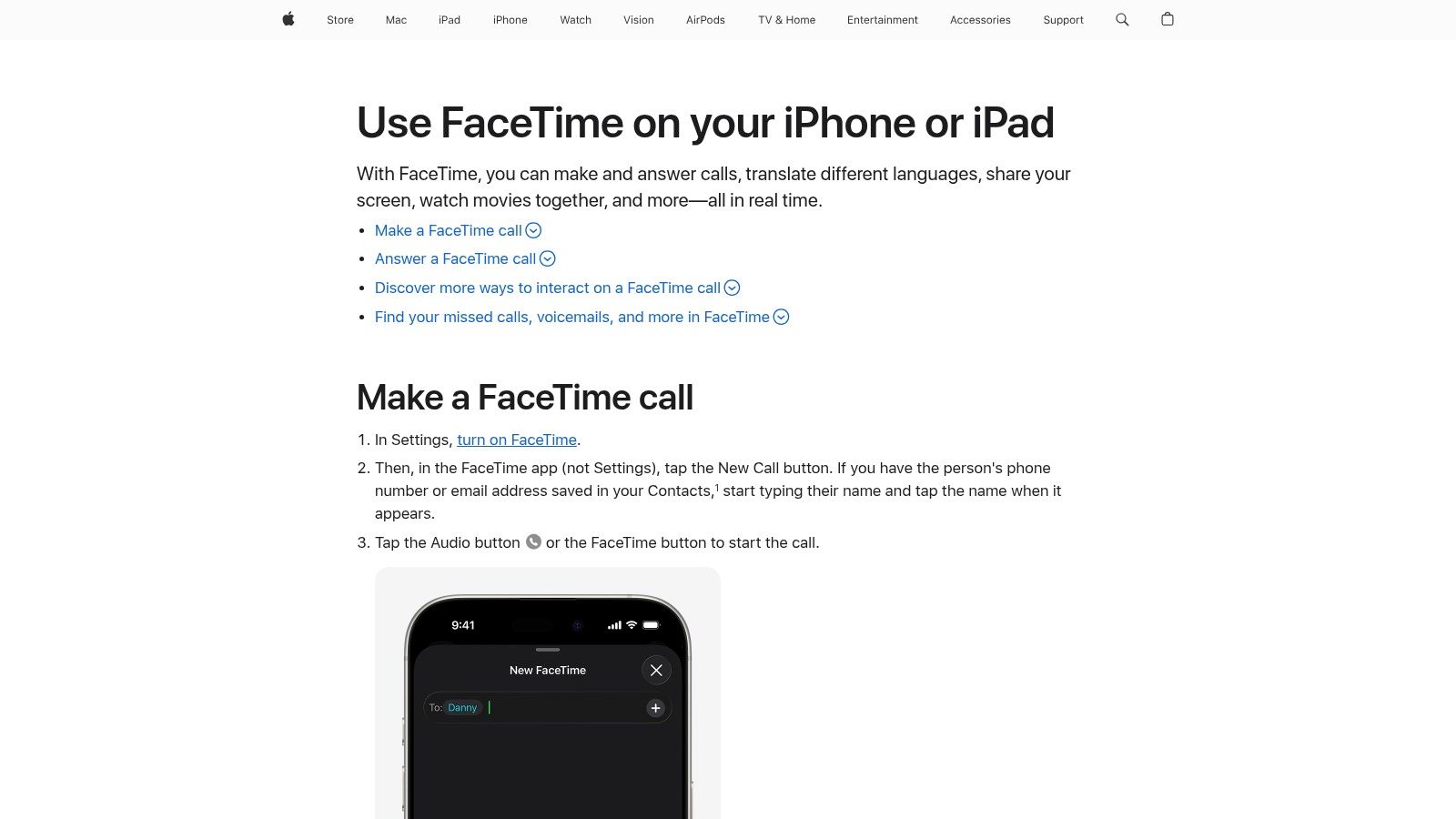
While best known for video, its audio-only function is a powerful, data-efficient tool for personal and professional conversations. Features like Group FaceTime, SharePlay for co-listening to music, and live captions enhance its utility. Recent updates now allow Apple users to generate a web link, enabling friends and colleagues on Android or Windows devices to join a call directly from their browser, bridging the ecosystem gap.
| Feature | Details |
|---|---|
| Pricing | Free (uses Wi-Fi or cellular data). |
| Calling | Unlimited free audio and video calls to other Apple users. |
| Cross-Platform | Non-Apple users can join calls via a browser link, but an Apple user must initiate and host the call. |
| Integration | Deeply integrated into the native Phone and Contacts apps on Apple devices. |
FaceTime Audio is activated by default on all Apple devices, requiring no setup beyond having an Apple ID. It is the perfect solution for connecting with family and friends who also use Apple products, offering unparalleled call quality. The introduction of FaceTime links makes it a viable option for quick, informal meetings with non-Apple users, though they cannot initiate calls. For businesses needing a dedicated virtual number and more robust cross-platform capabilities, a service like Yodel would be more appropriate.
Pros:
Cons:
With Skype's consumer version retired, Microsoft Teams (Free) has become the company's primary platform for free internet phone services aimed at personal use. It offers reliable VoIP audio and video calling, instant messaging, and group meetings, all accessible through a unified application on desktop, web, and mobile. This makes it an excellent choice for individuals and small groups needing a high-quality, cross-platform communication tool without any cost.
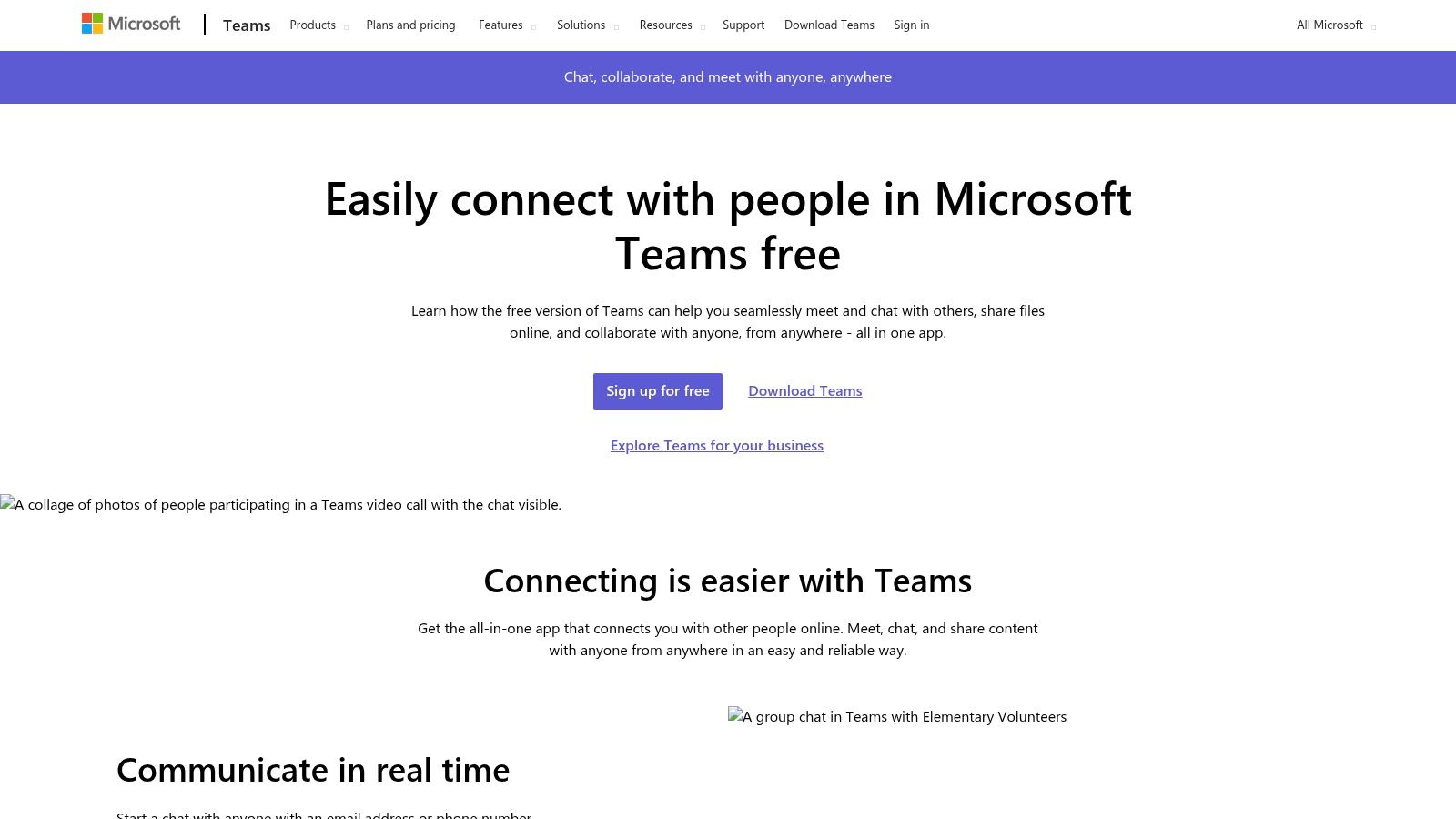
The platform's strength is its seamless integration into the modern Microsoft ecosystem, providing a dependable alternative for former Skype users. It excels at facilitating group video calls with features like screen sharing and background blur, all within a clean interface. While it doesn't offer a traditional phone number in its free tier, its app-to-app calling is robust and secure.
| Feature | Details |
|---|---|
| Pricing | Free for personal use. |
| Calling | Unlimited one-on-one VoIP audio/video calls. |
| Meetings | Group calls are capped at 60 minutes for up to 100 participants. |
| Business Use | Calling regular phone numbers (PSTN) requires a paid Teams Phone plan. |
Setting up the free version of Teams only requires a Microsoft account. It is ideal for virtual family gatherings, collaborative student projects, or informal team check-ins where participants can easily join via a shared link. As one of the more popular Skype replacements, its clear limits and broad platform support make it a reliable choice for app-based communication. However, users needing to call landlines or mobile numbers will need to consider upgrading or looking at other services.
Pros:
Cons:
| Service | Core capabilities | Pricing & Reach | UX & Quality | Target audience | Unique selling point |
|---|---|---|---|---|---|
| Google Voice | Free U.S. number, app + web calling/text, voicemail transcription, forwarding | 💰 Free (U.S. personal); low-cost intl per-minute | ★★★★ Reliable, tight Google integration | 👥 U.S. residents, Google users, light business use | ✨ Free U.S. number + Google ecosystem, 🏆 reliability |
| TextNow | Wi‑Fi calling & texting via apps; optional SIM/Essential Data | 💰 Free ad-supported; paid SIM/data passes | ★★★ Mobile-first, ad interruptions on free tier | 👥 Users needing free secondary line / travelers | ✨ Truly free Wi‑Fi calling + SIM option |
| TextFree (Pinger) | App-to-PSTN calling & texting, voicemail, transcription | 💰 Free w/ ads; Plus removes ads & adds verification | ★★★ Solid mobile calling; limited web support | 👥 Mobile users wanting a free U.S. number | ✨ Unlimited in-app PSTN calls (US) + voicemail |
| Talkatone | Free U.S. number, calls/texts to US/CA, app on phones/tablets | 💰 Free ad-supported; premium add-ons | ★★★ Travel-friendly Wi‑Fi calling | 👥 Travelers & US/Canada users needing secondary line | ✨ Talkatone-to-Talkatone free worldwide calling |
| FreedomPop | Freemium SIM plan; unlimited Wi‑Fi calling + tiny cellular allotment | 💰 Free baseline; pay to top up cellular or upgrade | ★★ Good as backup; cellular limits restrictive | 👥 Very light users / backup line seekers | ✨ SIM-based freemium + real cellular fallback |
| App-to-app voice & video with end-to-end encryption | 💰 Free (uses Wi‑Fi/data); no PSTN calling | ★★★★ Excellent for app-to-app international calls | 👥 Global users who already use WhatsApp | ✨ E2E encryption + massive global reach, 🏆 | |
| Viber | App voice/video, communities, Viber Out for PSTN calling | 💰 Free app-to-app; Viber Out pay-per-use | ★★★ Secure 1:1 calls; broad cross-platform apps | 👥 International contacts on Viber; community users | ✨ Communities + optional Viber Out PSTN access |
| Signal | Privacy-first E2E voice & video calling, open-source | 💰 Free, nonprofit, minimal data collection | ★★★★ Top-tier privacy & security | 👥 Privacy-conscious users & security advocates | ✨ Open-source privacy focus, 🏆 security |
| Telegram | App-to-app voice/video, large groups, emoji verification | 💰 Free; calls app-to-app only | ★★★ Fast, lightweight client | 👥 Users in Telegram ecosystems & large groups | ✨ Fast client + rich group/channel features |
| Facebook Messenger | Voice/video across mobile/web/desktop; HD, noise suppression, screen share | 💰 Free; not E2E by default | ★★★★ Feature-rich, easy guest access | 👥 Social users and casual video callers | ✨ Invite-by-link guests + rich media features |
| Apple FaceTime | High-quality FaceTime Audio/video for Apple devices; links for non-Apple guests | 💰 Free within Apple ecosystem | ★★★★★ Excellent audio/video quality on Apple devices | 👥 Apple users, families, professionals | ✨ Superior quality + SharePlay, 🏆 best Apple experience |
| Microsoft Teams (Free) | VoIP audio/video, chat, meetings (personal use); PSTN via paid add-on | 💰 Free tier; PSTN and business features paid | ★★★★ Reliable meetings & collaboration tools | 👥 Remote teams, Microsoft ecosystem users | ✨ Integrated meetings + upgrade path to Teams Phone |
Navigating the landscape of free internet phone services reveals a powerful truth: high-quality communication is no longer tethered to a traditional phone plan. From robust, multi-platform solutions like Google Voice to privacy-focused apps like Signal, the tools we've explored offer an incredible range of options for staying connected without the cost. Whether you're a freelancer building an international client base, a small business creating a local presence abroad, or simply trying to call family across the globe, there is a free VoIP solution tailored to your needs.
The journey to finding the perfect service begins with a clear understanding of your own communication habits and priorities. As we've seen, the definition of "free" varies significantly from one platform to another. Some offer a dedicated virtual number for traditional calls and texts, while others excel at app-to-app communication within a closed ecosystem.
To make the best decision, it's crucial to distill the information down to what matters most for your specific situation. Reflect on the key distinctions we've highlighted throughout this guide.
Before you commit to a service, follow this simple implementation plan to ensure it's the right fit.
Ultimately, the power of free internet phone services lies in their flexibility and accessibility. By thoughtfully assessing your needs against the features and limitations of each option, you can unlock a world of communication that is both powerful and cost-effective. The right tool is out there, waiting to connect you to the people who matter most, wherever they may be.
When "free" isn't enough and you need professional-grade reliability, advanced business features like call routing, and dedicated support, it's time to upgrade. YodelPhone bridges the gap, offering an affordable, feature-rich VoIP solution designed for businesses that have outgrown the limitations of free services. Explore how a dedicated business phone system can elevate your communication at YodelPhone.

Try a free international call trial instantly in your browser - no downloads or card required. Test call quality and connect globally in seconds.

Uncover what is VoIP and how does it work with this clear, step-by-step guide. Learn the basics, benefits, and how to start making calls over the internet.

Discover how international VoIP calls can save you money and simplify global communication. Learn how they work and how to get started in minutes.

Discover how to reduce phone bills with simple audits, smarter plan choices, and money-saving tools.